12.8.1
How do I upload documents?
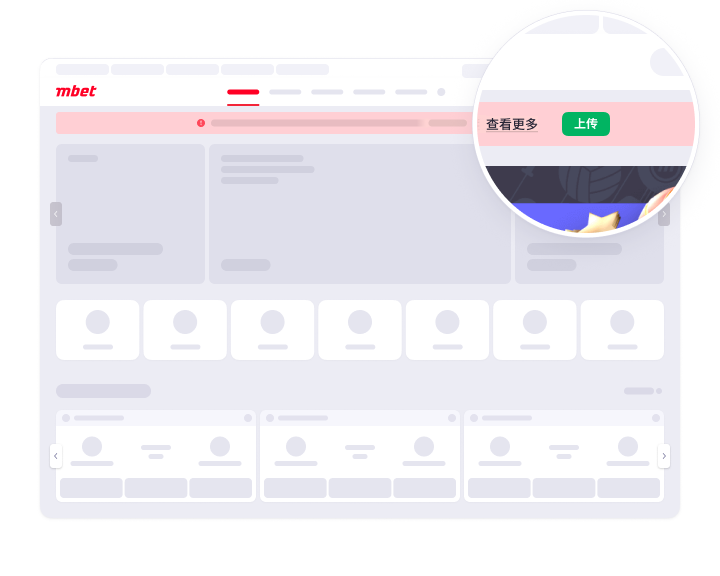
- You can upload your documents in your account. On the main page, click on the ‘Upload’ button in the notification to open the ‘Upload Documents’ section. In this section, you can attach copies of your documents to verify your registration details.
- In the section that opens, click on ‘Choose file to upload’ and select the relevant documents. You can upload up to 10 files in JPG, JPEG, PNG, PDF, BMP or HEIC format. Each photo should have a file size of between 1 MB and 6 MB.

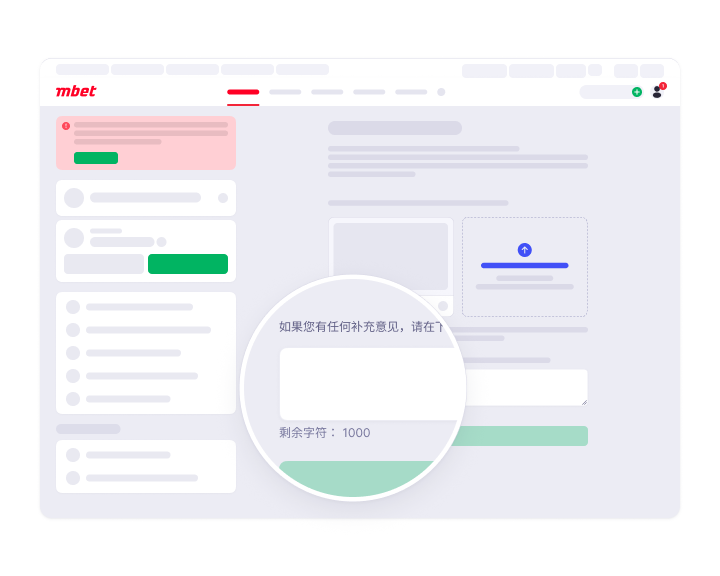
- If you would like to add a comment, you can do so in the designated section.
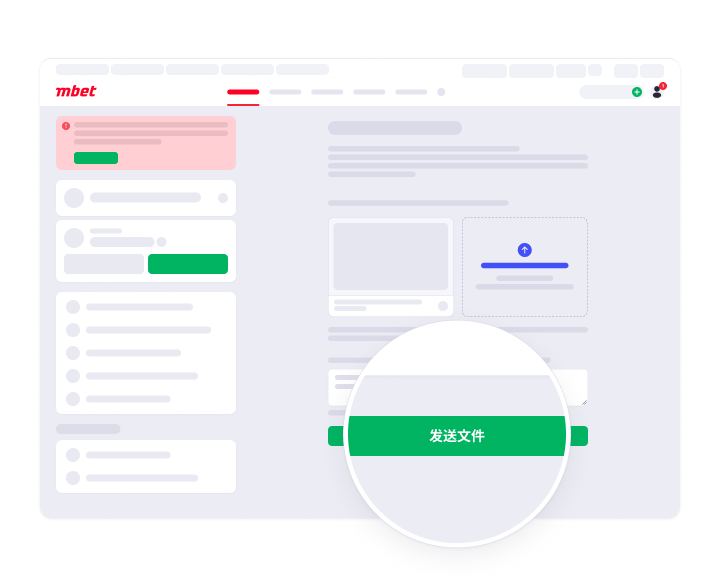
- Once you have selected all the relevant files, click on ‘Send Documents’. Once your documents have been verified, a notification will be sent to the email address linked to your account.